D64 Reader
Browse and Extract Commodore 64 Disk Images on macOS
Explore classic Commodore 64 disk images with D64 Reader. Designed for retro computing enthusiasts, collectors, and developers, D64 Reader makes it easy to browse and extract files from Commodore 64 D64 disk images directly on macOS.
Rediscover classic software collections, archived projects, demos, games, and utilities stored on Commodore 64 floppy disks.
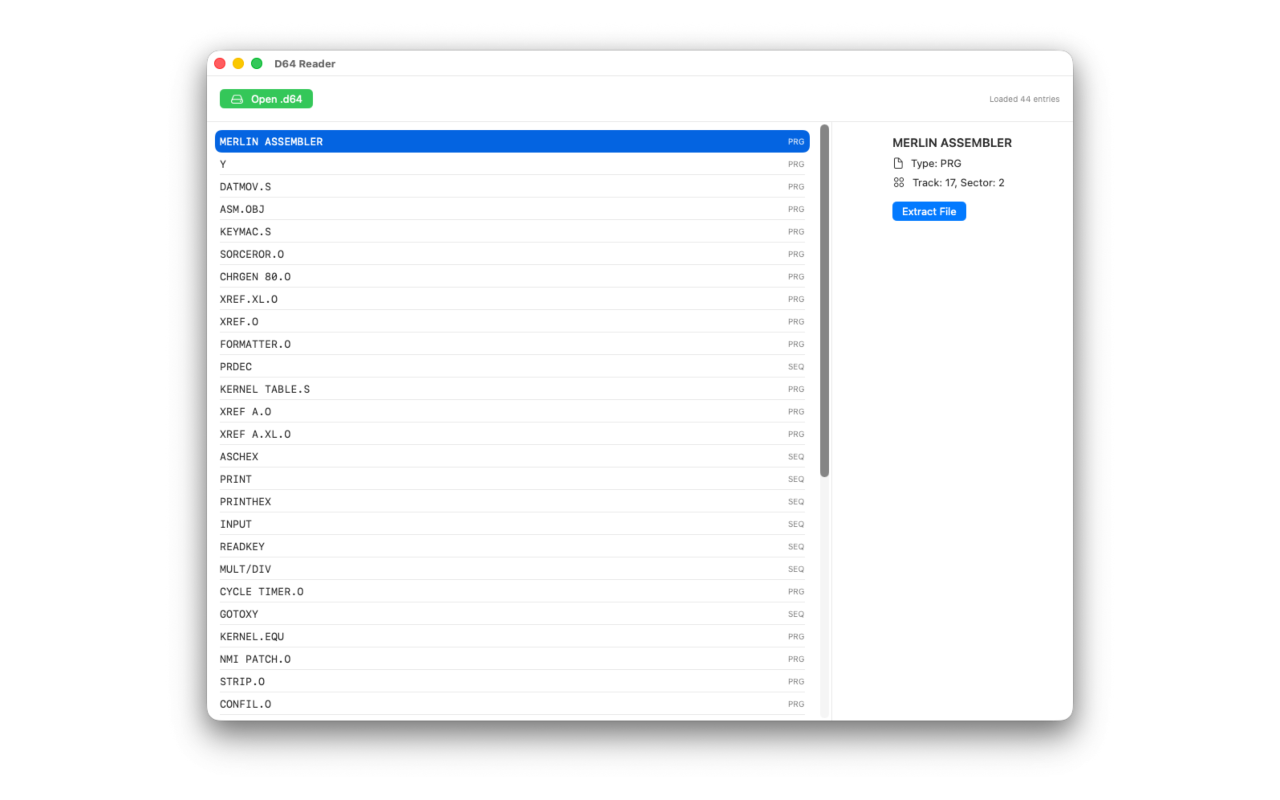
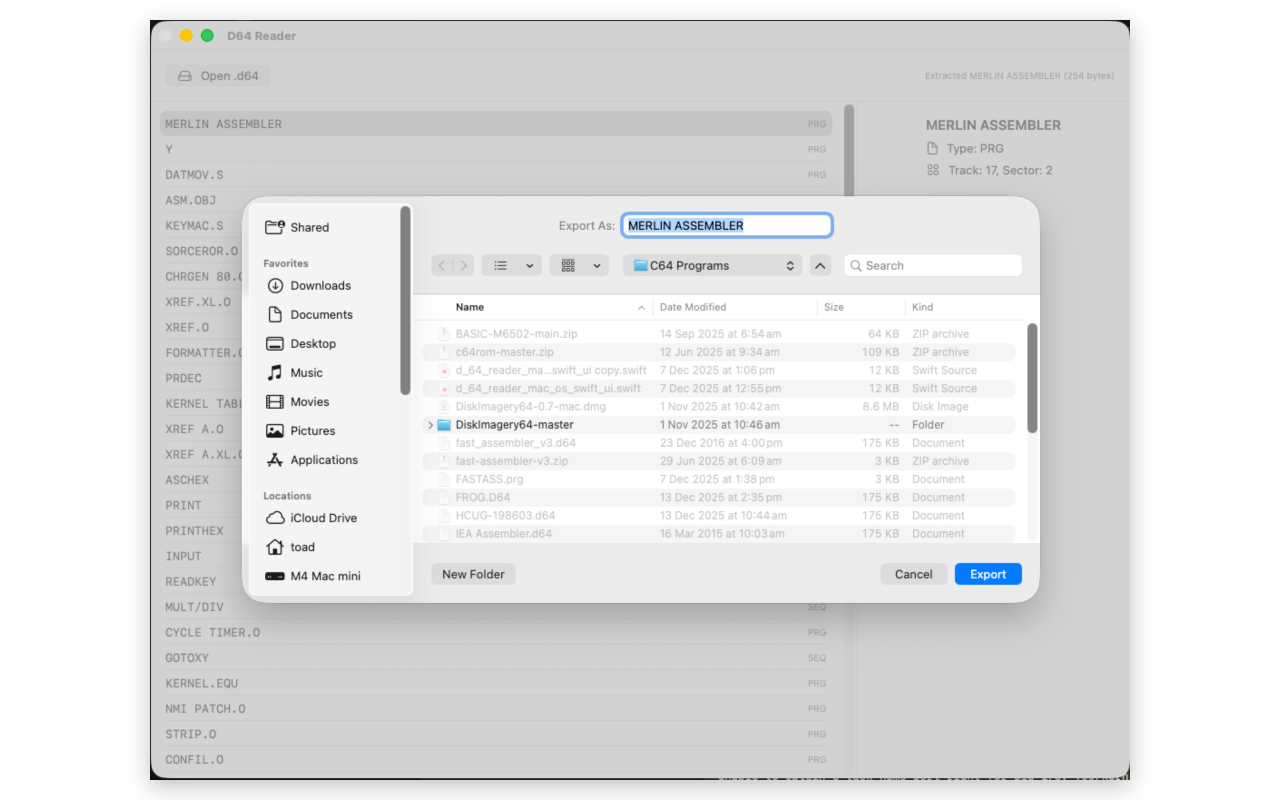
View disk directories, inspect file contents, and extract programs from vintage disk images without requiring a Commodore emulator or original hardware.
Whether you're preserving old software, exploring game collections, recovering archived projects, or developing for classic Commodore systems, D64 Reader provides a fast and simple way to work with D64 images on modern Macs.
Screenshots
Features
- Browse Commodore 64 D64 disk images
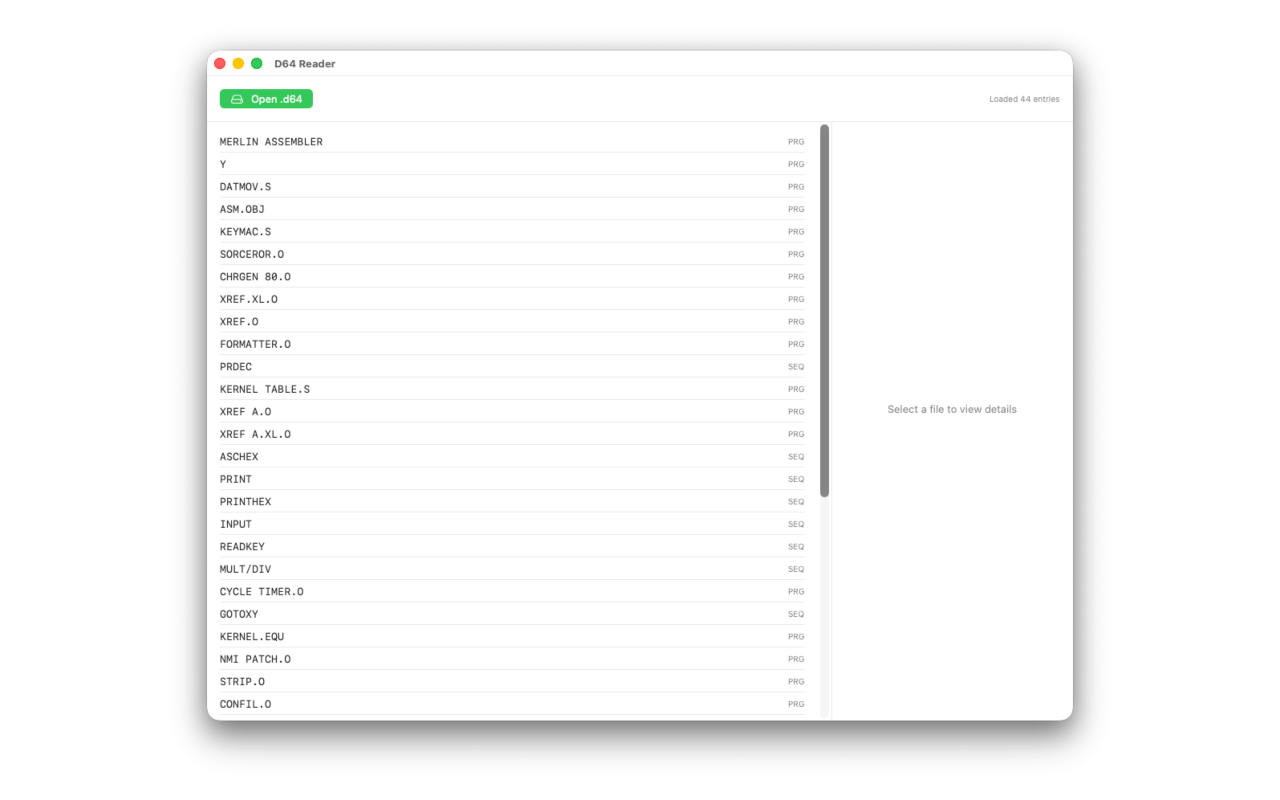
- View disk directory contents
- Extract PRG, SEQ, USR, and REL files
- Fast native macOS application
- Simple drag-and-drop workflow
- No emulator required
Support
Questions, bug reports, feature requests, or feedback are always welcome.
Privacy Policy
D64 Reader is designed with privacy and simplicity in mind.
- No advertising
- No tracking
- No third-party analytics
- No data collection
All files are processed locally on your Mac. Nothing is uploaded, shared, or transmitted externally.
The app may request access to files you choose to open. This access is used solely for reading and extracting data from disk images.
D64 Reader does not collect, store, or share personal information.